Maximize Your Smartphone Battery Life Using These 6 Strategies

How to maximize smartphone battery life by using simple strategies? Learn Here. (Pics: Freepik)

Gayatri Hasabnis
By : Updated On: 25 Dec 2025 00:54:AM

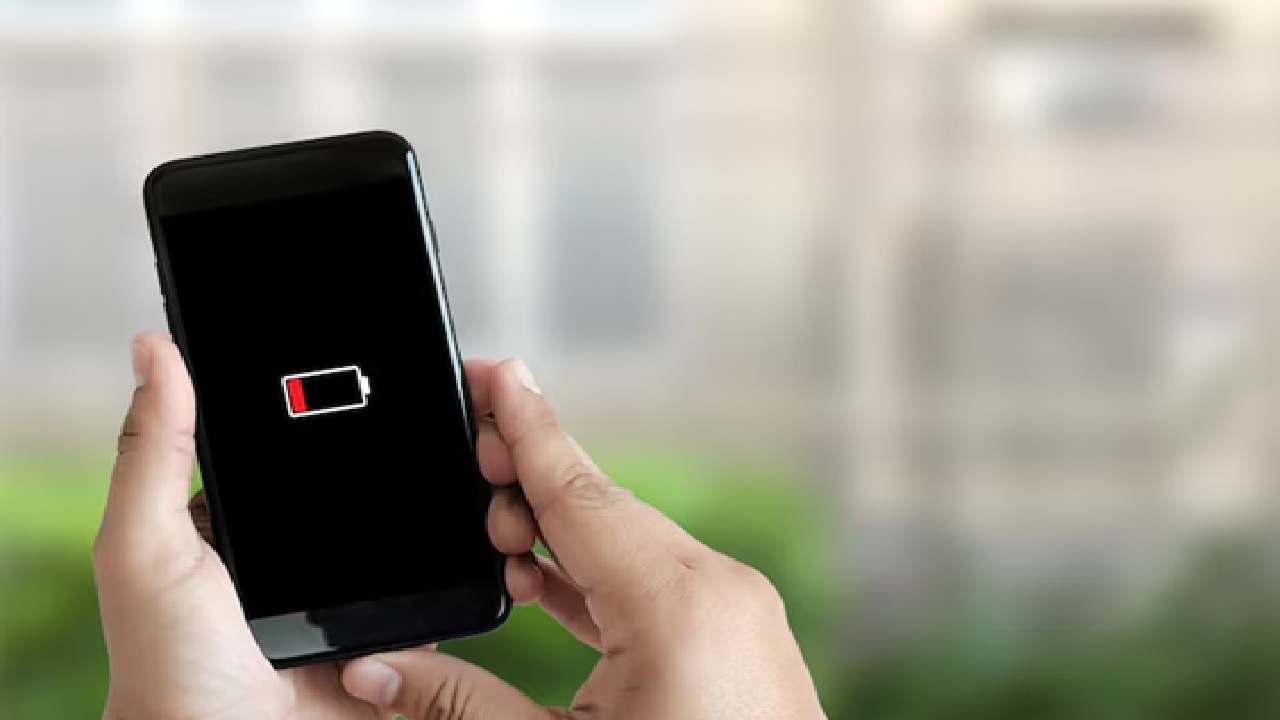
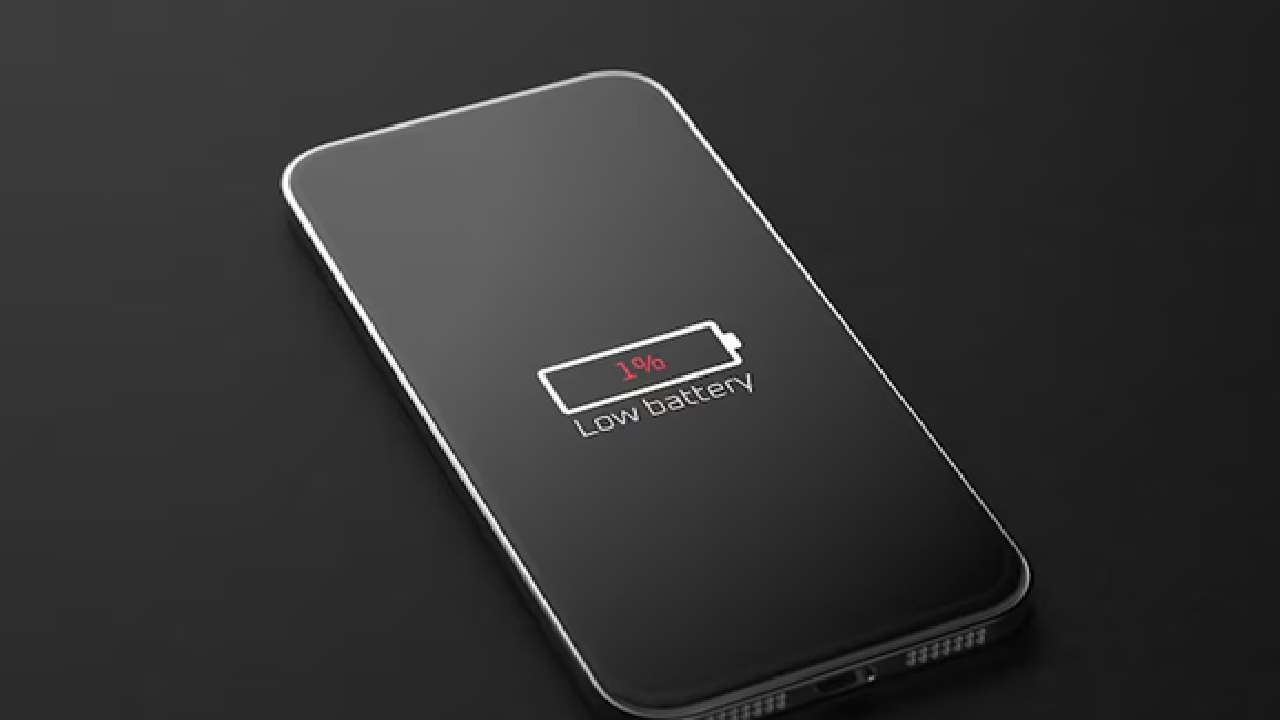
Both Android and iOS devices include built-in battery saver or low power settings that automatically minimize background activity, visual effects and network usage in order to prolong the remaining charge.

Both Android and iOS devices include built-in battery saver or low power settings that automatically minimize background activity, visual effects and network usage in order to prolong the remaining charge.

1 / 5
The battery is consumed more due to the high screen time. Use the auto brightness feature to have the brightness automatically change depending on the surrounding light or reduce it to the point where it is comfortable for you.

The battery is consumed more due to the high screen time. Use the auto brightness feature to have the brightness automatically change depending on the surrounding light or reduce it to the point where it is comfortable for you.

2 / 5
Wi-Fi, Bluetooth and GPS, battery could drain due to more use of these tools. When you don't require navigation, disable location services.

Wi-Fi, Bluetooth and GPS, battery could drain due to more use of these tools. When you don't require navigation, disable location services.

3 / 5
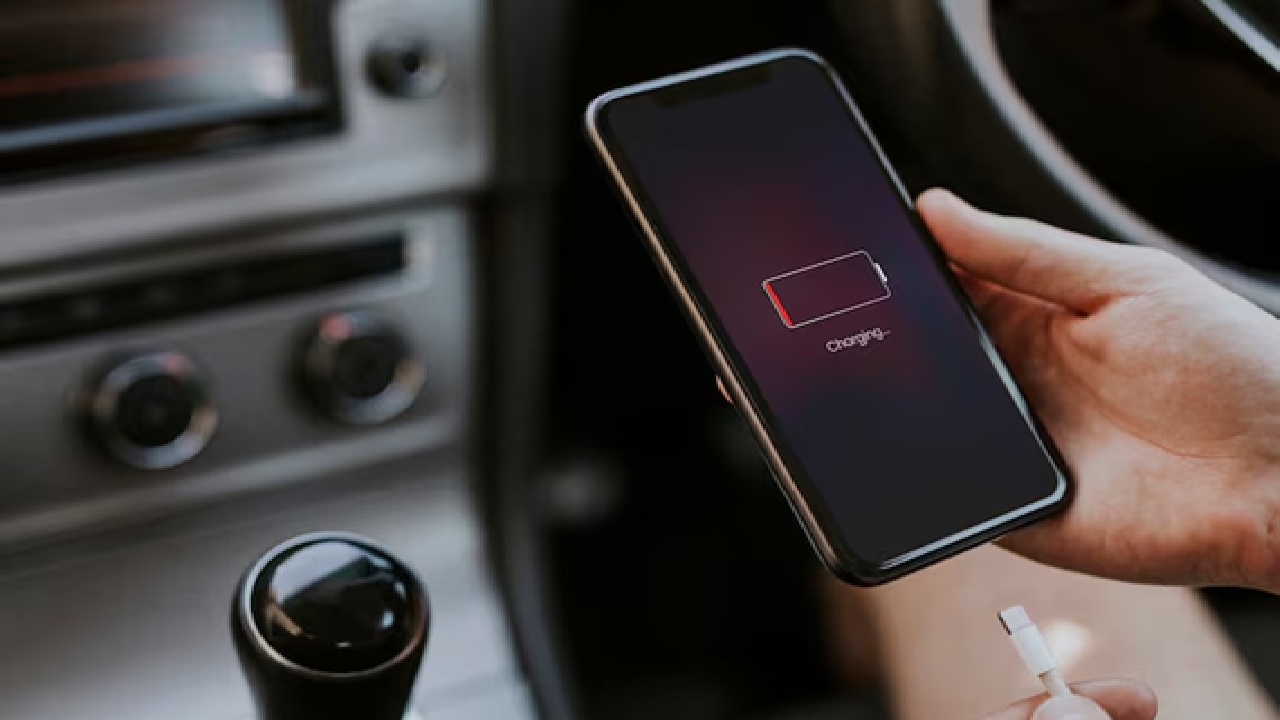
If you sense your phone getting hot while charging, avoid leaving it in direct sunlight, like on a car dashboard. In order to maximize the health of your battery over the long term, try to maintain your charge levels between 20% and 80%.

If you sense your phone getting hot while charging, avoid leaving it in direct sunlight, like on a car dashboard. In order to maximize the health of your battery over the long term, try to maintain your charge levels between 20% and 80%.

4 / 5
To find the apps that consume the most of the battery, go to the battery usage settings on your phone and turn off Background App Refresh. (Disclaimer: Given the input is on an information basis, please seek professional advice.)

To find the apps that consume the most of the battery, go to the battery usage settings on your phone and turn off Background App Refresh. (Disclaimer: Given the input is on an information basis, please seek professional advice.)

5 / 5
Ad
Ad