Protect Your Screen: Dos and Don’ts of Gadget Cleaning


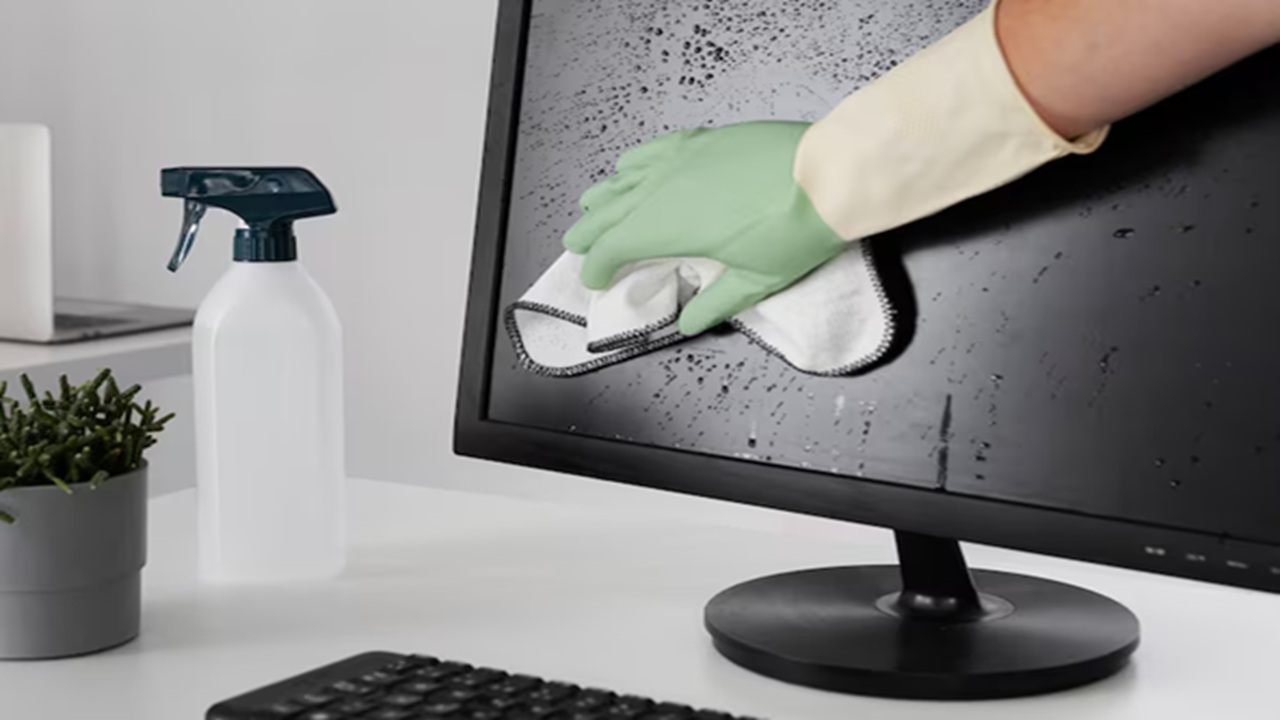
We need to keep our gadgets or devices safe from dust, pollution and harmful particles. For that we must follow a routine for cleaning. Here are some ideas that can be used.
Protecting your screen is crucial for maintaining the longevity and performance of your gadgets. When cleaning your device, always use a microfiber cloth specifically designed for screens to avoid scratches. It’s essential to power down your device and use a gentle cleaning solution or simply water to dampen the cloth, ensuring no liquid seeps into the device’s openings.




Avoid using paper towels, rough fabrics or any cleaning products containing alcohol or ammonia, as these can damage the screen’s protective coating. Regularly following these dos and don’ts will help keep your screens pristine and functioning effectively.
Dos:
- Use a soft, lint free microfiber cloth to clean screens.
- Lightly dampen the cloth with water or a screen safe cleaning solution.
- Turn off and unplug devices before cleaning.
- Gently wipe the screen in a circular motion.
- Clean your gadgets regularly to avoid buildup of dust and grime.
Don’ts:
- Avoid using harsh chemicals like ammonia, alcohol or window cleaners, as mentioned above.
- Do not spray liquid directly onto the screen.
- Avoid using abrasive materials or paper towels.
- Do not press too hard on the screen to prevent damage.
- Avoid cleaning when the device is hot or charging.
(Disclaimer: Given the input is on an information basis, please seek professional advice.)
Read Latest News and Breaking News at The Newsman, Browse for more Lifestyle News